
 Türkçe
 English
Recipes and bill of materials
Define each product’s materials, quantities, unit conversions and preparation method. Open similar products by copying an existing recipe.
- Unit conversion
- Copy from recipe
- Export to Excel
Integrated Production Solution
From recipes and costing to the production plan, from material requirements to labels and dispatch notes, every step is connected. Missing materials, pending requests and open work orders on one screen.

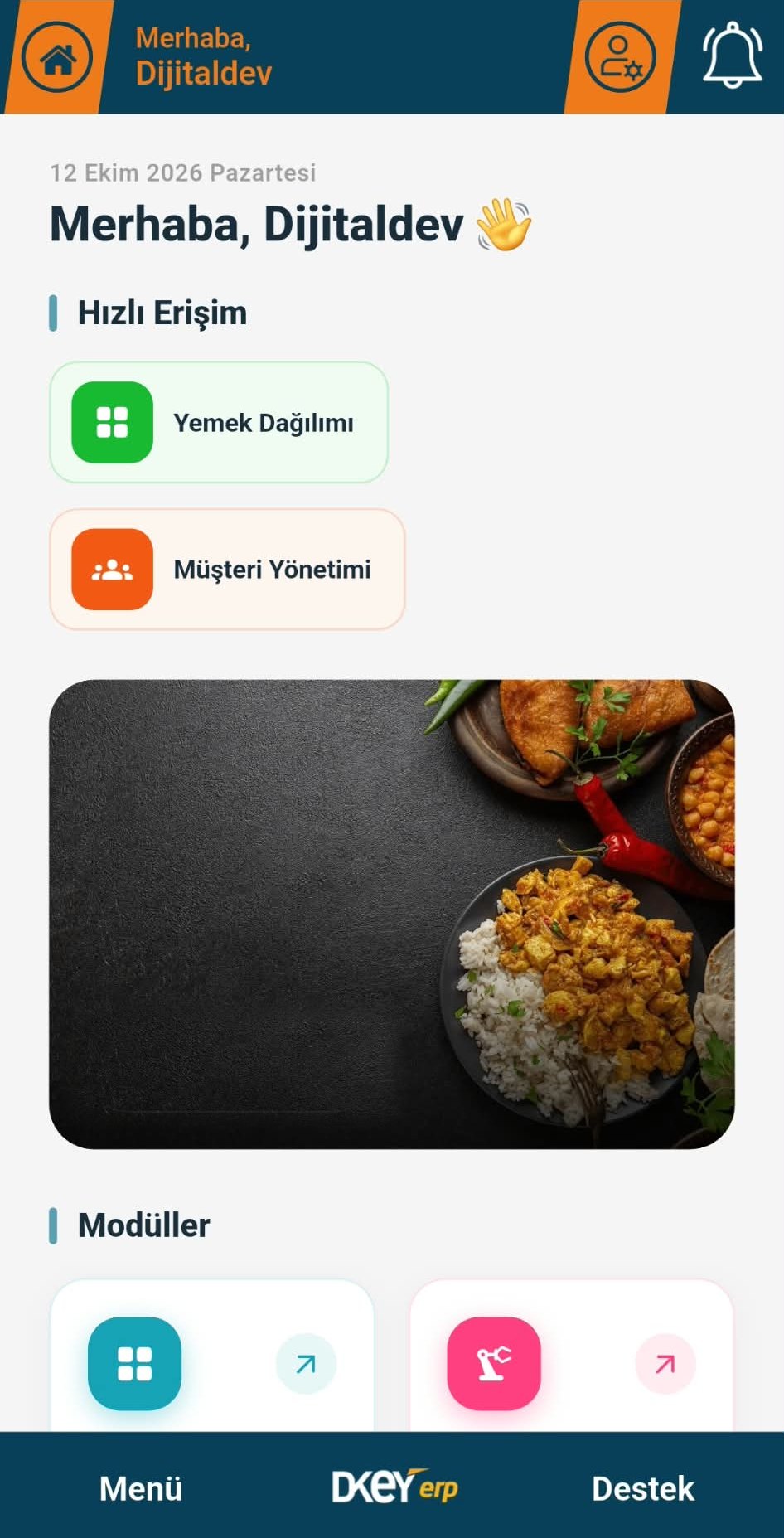
Overview
DijitalDev ERP brings every production step, from raw material receipt to product delivery, onto one cloud platform. Recipes, plans, work orders, warehouse and purchasing share the same data, so a change in one step is reflected in the others instantly.
Managers follow the coming days’ production plan, plan statuses and missing materials in reports. Employees see their own steps within their permissions and step in when needed.
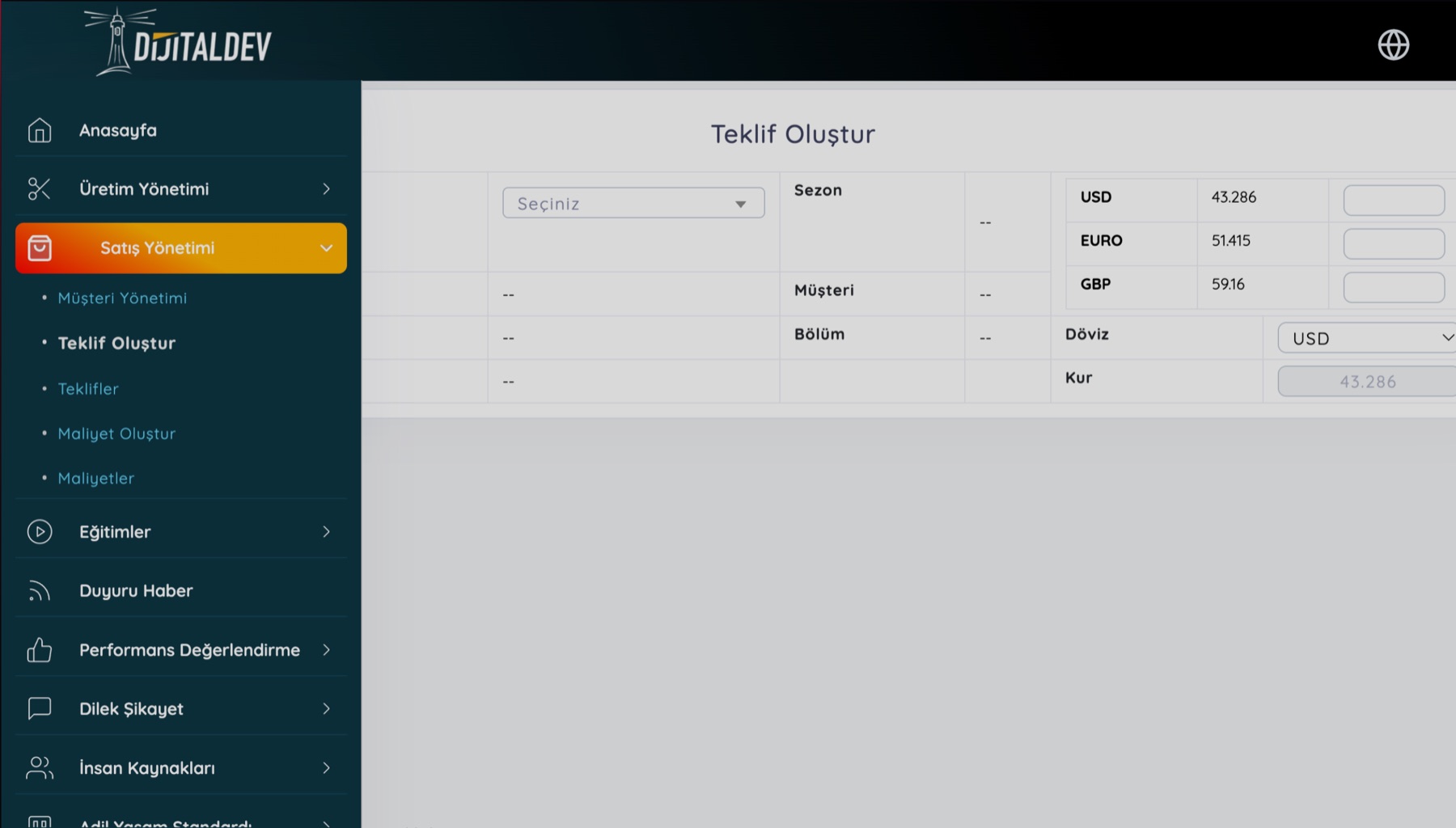
Production flow
What you can do
From recipe to shipment, each screen passes its data to the next. You never enter the same information twice.
Define each product’s materials, quantities, unit conversions and preparation method. Open similar products by copying an existing recipe.
See the cost breakdown by material and each item’s share of the total. Materials without a price are flagged, so costs never look lower than they are.
Build the daily plan by product, customer or shift. Stock status is shown next to the plan, and the plan moves through approval steps.
Create work orders from the approved plan. List them by day or date range, and print labels and dispatch notes from the same screen.
For the date range you choose, required, in-stock and missing quantities are calculated item by item. Create a warehouse slip in one click.
Shortages flow into the purchasing requirements list. Compare card price, lowest price and supplier prices side by side; approve requests by priority.
Track balances across multiple warehouses, transfer between them and run stock counts. Items below threshold and inventory value appear in the report.
Print product, package and shipping labels in bulk. Create dispatch notes from the work order and manage distribution with route plans.
Register machines by site and department, and assign responsible staff and periodic maintenance plans. Maintenance forms record the work done, spare parts used and cost. Competence certificates and OHS training are checked for external service providers.
For your industry
Screens and fields speak your industry’s language. See how it works in two different types of production.
From the daily menu to portions, from labels to delivery routes, every meal runs to plan.
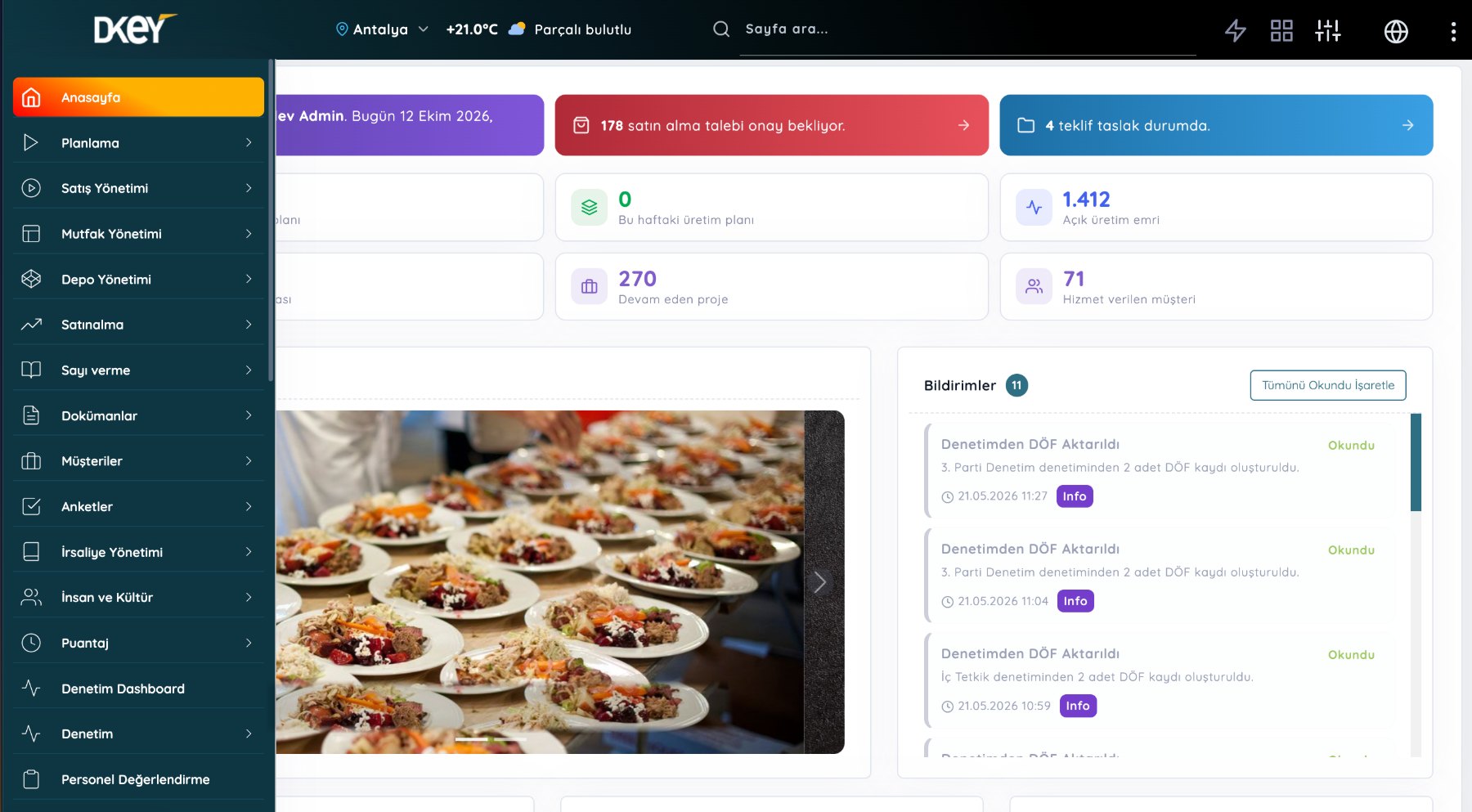
From sample to shipment, every style is tracked with its sizes, fabric, accessories and cost.
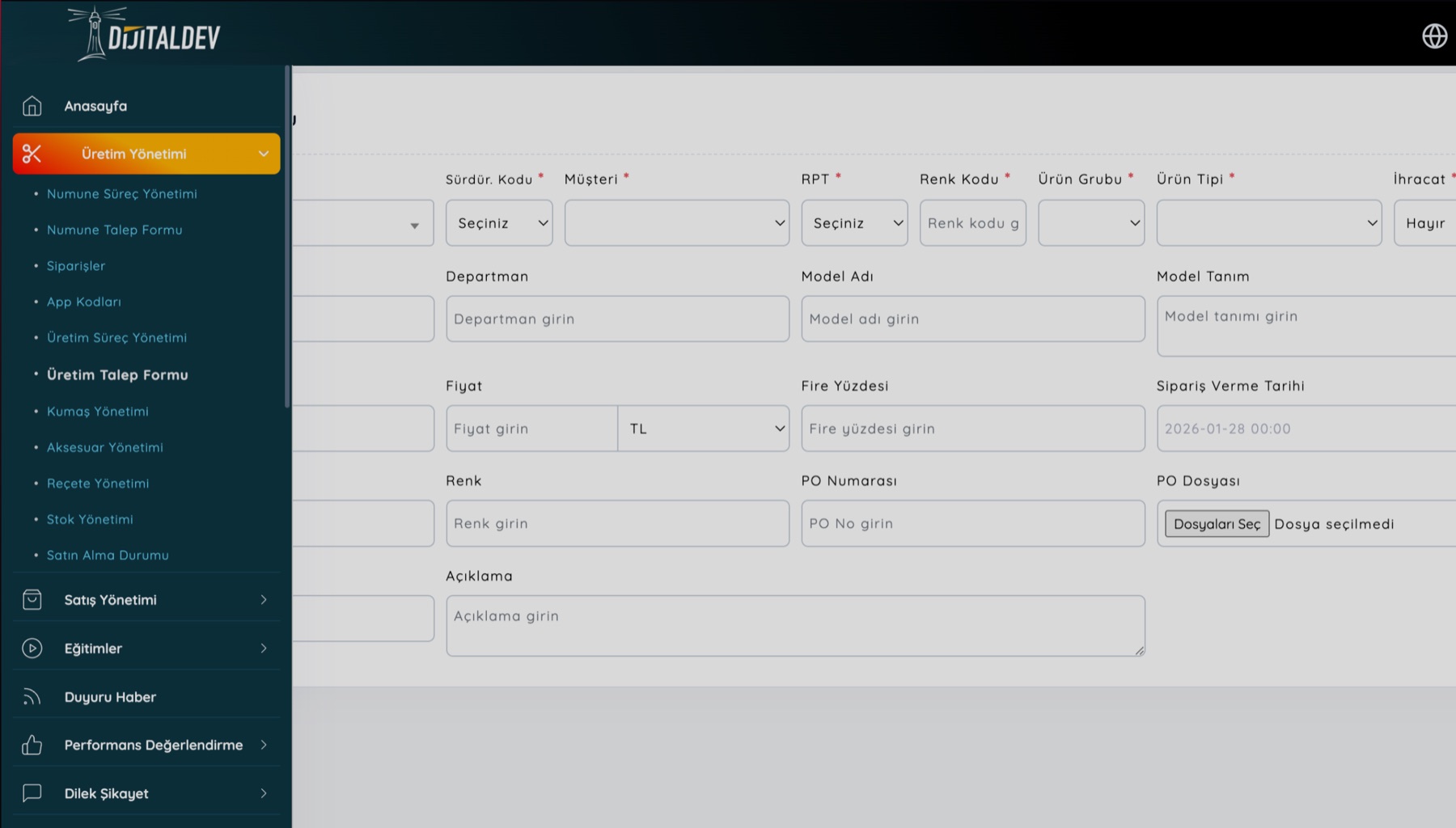
Mobile Access
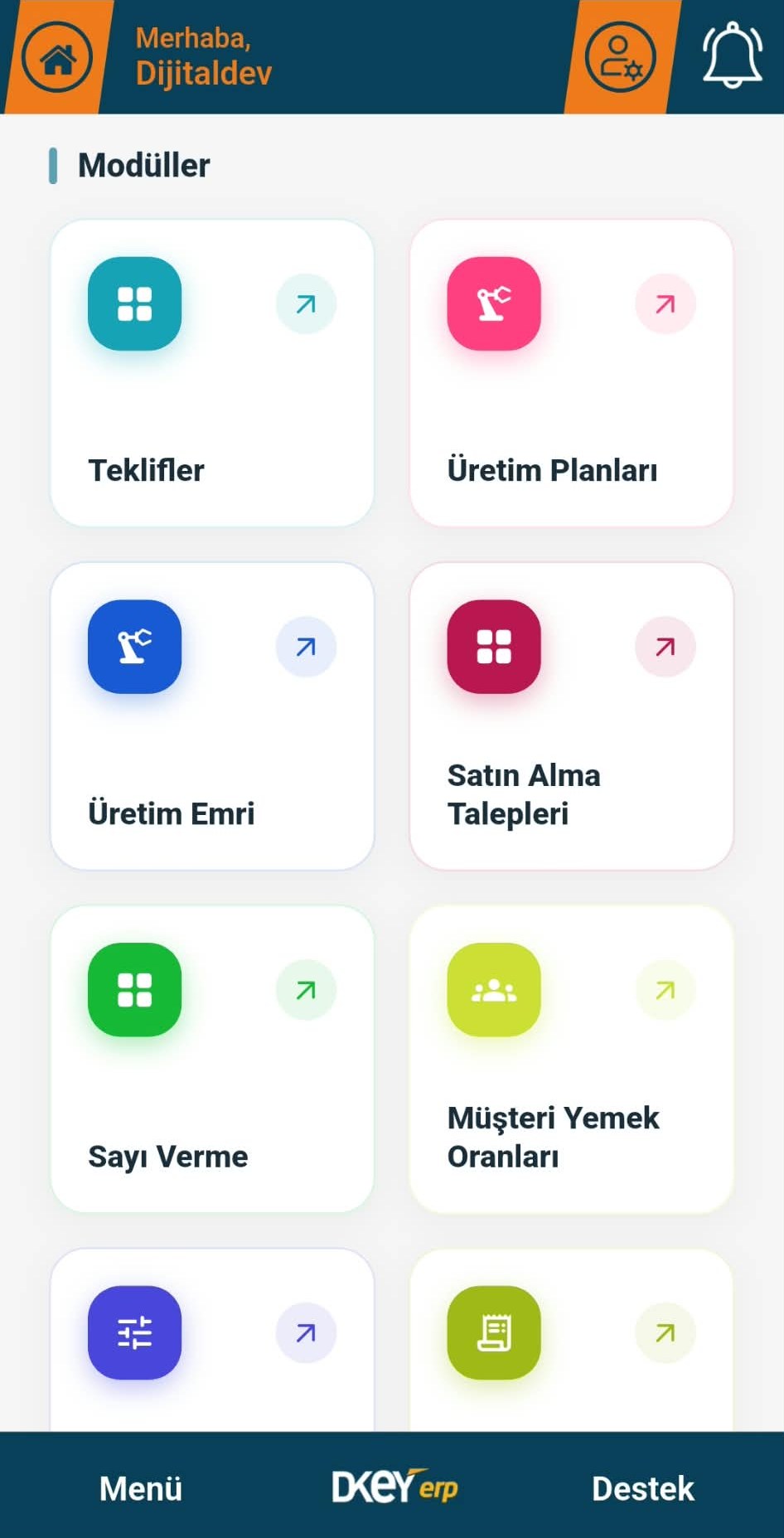
Planning, warehouse, purchasing and shipping teams each work from their own dashboards. Field teams approve and track work from the mobile app; missing materials and pending requests arrive as instant notifications.
Included modules
Choose what you need; add other modules later.
Other products
 Human Resources Management
Personnel files, performance, leave and training on one platform.
Explore the product
 Recruitment & Interview Management (DDA)
Interviews and hiring supported by emotion analysis.
Explore the product
 Online Training
Video training, online exams and automatic certificates.
Explore the product
 Sustainability Management
Carbon and water footprint tracking, ESG reporting.
Explore the product
Pick the modules you need and let us walk through them together on your own processes in a free demo.